
Going on a Carnival cruise? The HUB app has become an important feature to use on the ship. The Carnival HUB App is a tool available for download before your cruise.
I love the convenience of using it but I’m still old school about having my phone on a cruise.
Before the app came out, I loved putting my phone in the safe. I would unplug from real life for the week. But now technology has changed how we cruise.
The HUB app has basically replaced paper on the ship. This is a good thing. I would have a pile of fliers, announcements, bulletins, brochures, and other papers. I would throw all of these away on the last day. What a waste!

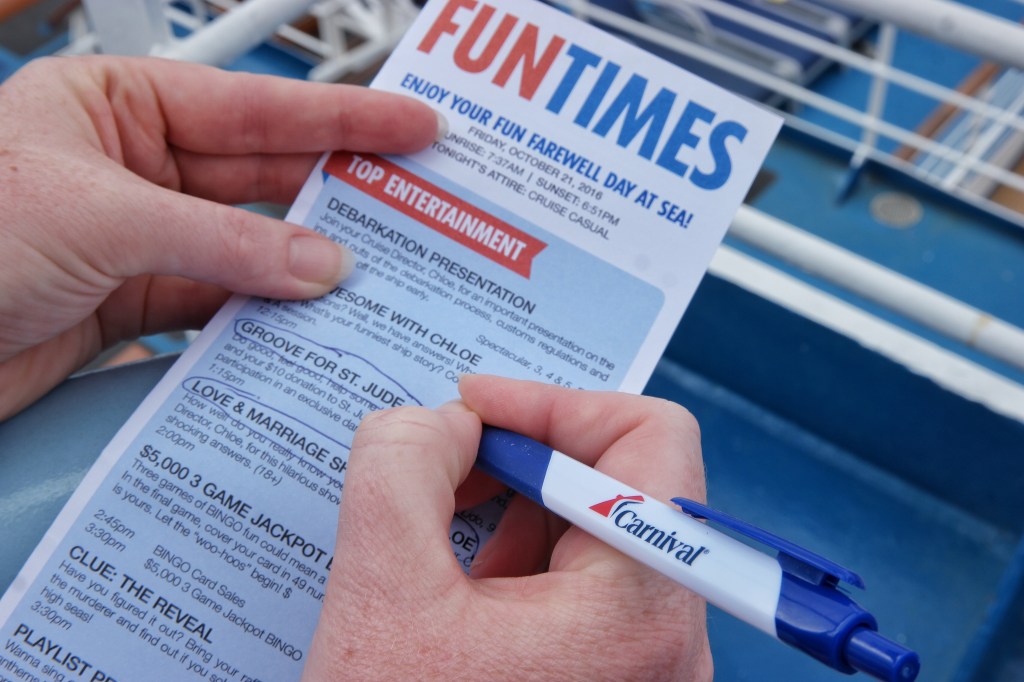
When they first introduced the app they stopped printing the Fun Times. This is the daily activity bulletin that was left in our cabin every night. Before we went to sleep each night, I loved reading through it. It gave me an idea of the activities offered for the next day. I would highlight events or make notes on the paper. I really missed the paper version when they replaced it with the HUB. But due to popular demand they are back to printing them and leaving them in our cabins each night!
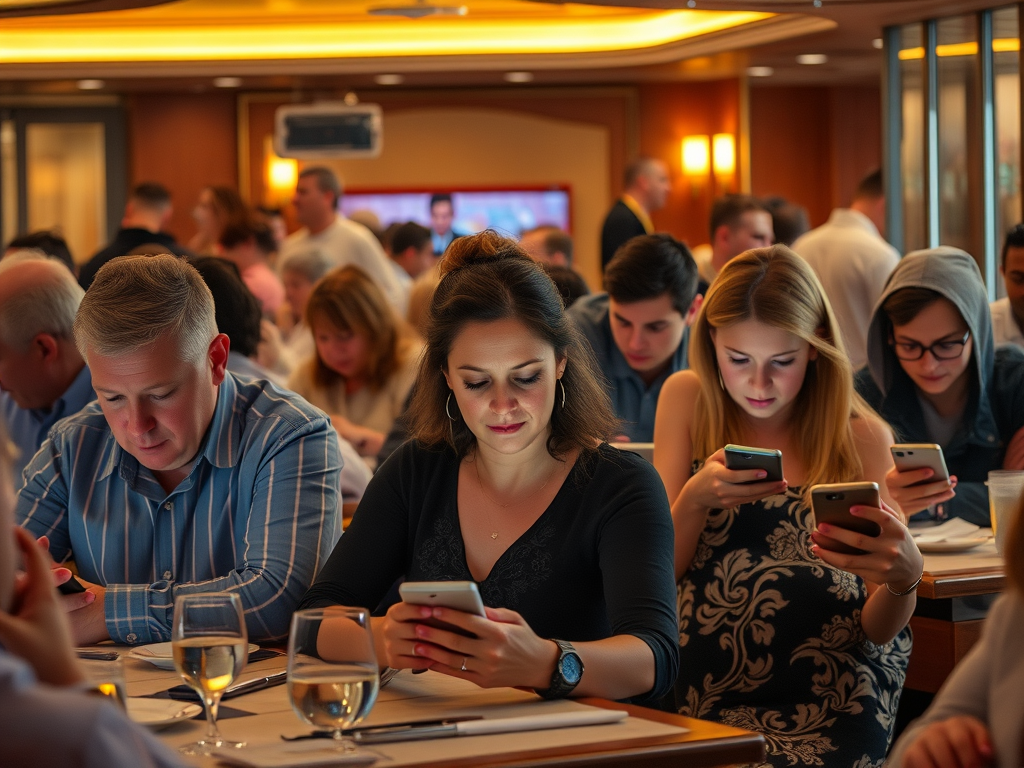
Another feature on the HUB is having the dining room menus listed each day. I really like this because we can decide ahead of time what we want to order. But, the downside is they expect you to take your phone to the dining room. You are not given a paper menu unless you request one. When we dine I like to visit with our table mates and put the electronics away. It’s family or friend time!
This app allows you to plan, connect, and stay informed about onboard activities. It also provides information about services. You can use it to make dining reservations. Find ship maps easily. You can also book different activities and spa treatments. It even allows you to chat with other guests, though there is a small additional fee.
Before Your Cruise:
- Download the app: Find it on the Google Play Store or App Store.
- Plan ahead: Make dining reservations, purchase gifts, wifi, shore excursions, and more.
- Share your countdown: Share your excitement with friends and family.
- Complete Online Check-In: Streamline the boarding process.
During Your Cruise:
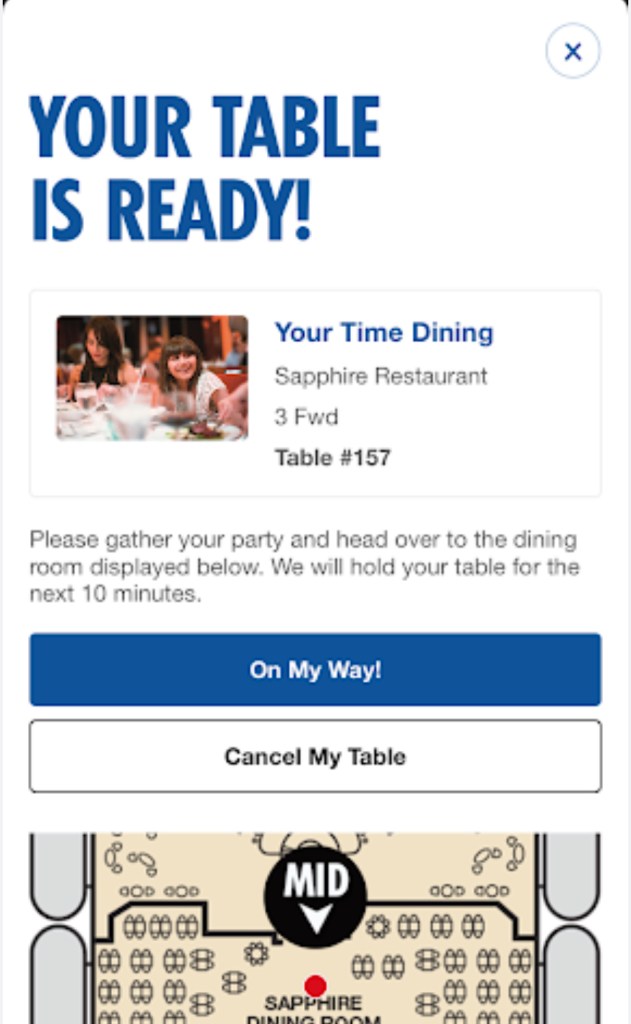
- Connect to the ship’s Wi-Fi: The app uses the ship’s Wi-Fi, so you don’t need to purchase a separate internet package.
- Log in: Use your folio number and date of birth (DOB), which can be found on your Sail and Sign card.
- Onboard Chat (fee applies): For a small fee, you can chat with other guests who have also activated the feature.
- Access “What’s Happening”: View the daily schedule of events, shows, activities, and more.
- Use ship maps: Navigate the ship, find specific locations, and see dining menus.
- Make reservations: Reserve shows, spa services, shore excursions, and specialty dining.
- Manage your account: View your onboard account balance and make payments.
- Order food and drinks: Utilize the app for delivery services.
- Check into virtual queues: Skip the line at popular attractions.
- Learn about safety: Familiarize yourself with onboard safety procedures and find your muster station.
Chat Feature:
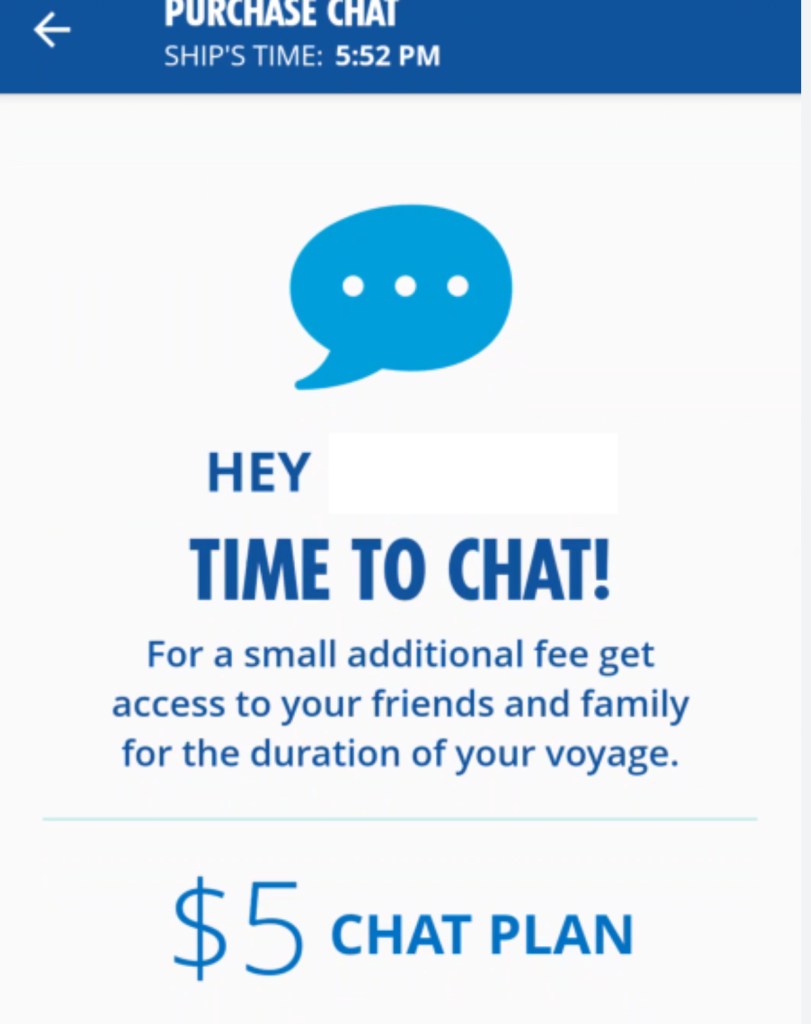
The Carnival HUB app has a chat feature that allows passengers to message each other on board. It costs $5 per person for the entire cruise and requires purchasing the chat feature, not an internet package. To use it, you need to download the app on each device before the cruise. Then activate it with your folio number and last name. You can then connect with other family members and accept invitations from them, then exit and restart the app

Here’s my group to help new cruisers with no judgment. Get correct answers to your questions. Lots of great information, tips, and personal advice! No AI or rudeness.
Carnival Cruising for First Timers & Seasoned Sailors

Leave a comment