Why Your Cell Phone Doesn’t Work At Sea
An often asked question by cruisers is about using a cell phone at sea. Many of us have international plans and some cell phone providers are offering cruise plans at sea! But how do they work?
Cell phone plans don’t work the same way at sea because cruise ships are not connected to land-based cell towers. Here’s why:
Why Regular Cell Service Doesn’t Work
Well, first of all, there’s no land towers at sea!
Cell phones normally connect to nearby towers on land. Once the ship sails a few miles from shore, those towers are out of range.
Cruise lines use a “Cellular at Sea” Network
- Ships have their own satellite-based cell system that your phone can connect to (it will often show as Cellular at Sea, 901, or WMSat).
- This network is not part of your regular carrier’s coverage. It routes calls, texts, and data through satellites, which is extremely expensive.
Roaming Charges
- If you leave your phone on and it connects to the ship’s network, you’ll be charged international roaming rates (sometimes $2–$6 per minute for calls, $0.50+ per text, and sky-high data rates).
Options for Staying Connected

- Airplane Mode with a Ship Wi-Fi plan. Most people keep phones in airplane mode and buy the ship’s Wi-Fi package.
- Some carriers (like AT&T and Verizon) offer “Cruise Packages” with limited minutes/texts/data for a set price.
- These cruise cell phone plans will work at sea—but only if your carrier partners with your cruise line’s satellite network
- Service in port. When docked, your phone usually works like normal again, because you’re back in range of local towers.
REMEMBER: Your land-based plan won’t automatically work at sea—you’ll either pay high roaming fees or need Wi-Fi/cellular add-ons.
How to stay connected at sea (and avoid a surprise bill!)
Before You Sail
- Call your cell provider → Ask if they offer a cruise plan. (AT&T, Verizon, and T-Mobile do on some ships.)
- Download cruise line apps → Most work in airplane mode over ship Wi-Fi for dining, activities, and chat.
- Turn off roaming → Prevents accidental connection to the ship’s satellite cell tower.
Onboard the Ship
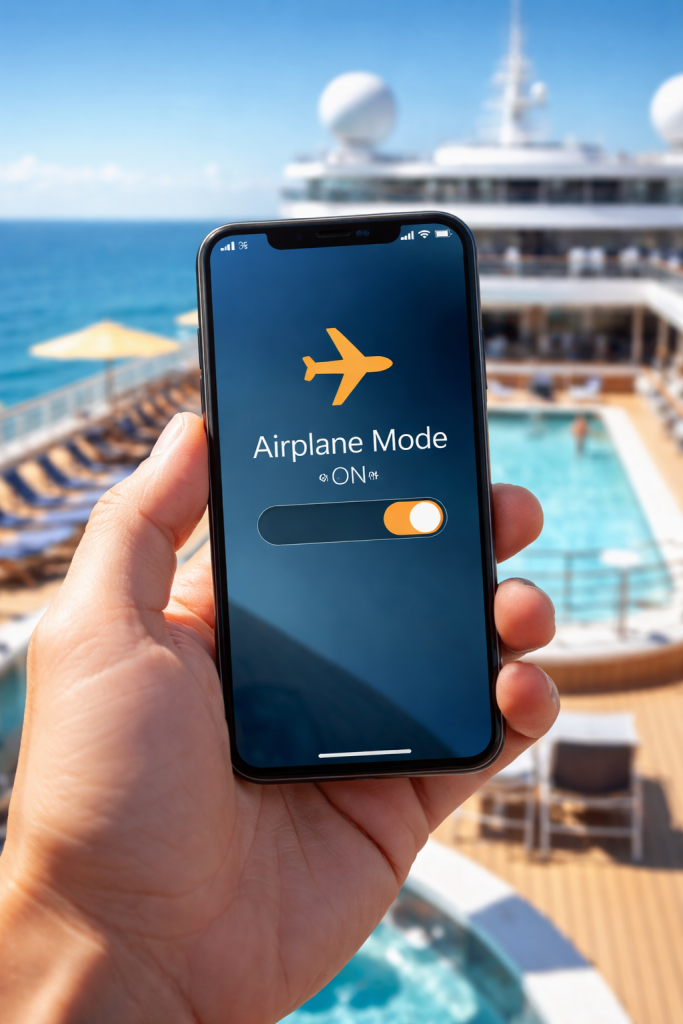
- Always use Airplane Mode
- Then turn Wi-Fi ON to connect to ship’s Wi-Fi.
- This avoids roaming charges from the “Cellular at Sea” network.
- Purchase a Wi-Fi Package
- Social Plan → great for messaging apps.
- Full Internet → for email, browsing, video calls.
- Ship Cellular Network = Very $$$
- Calls: $2–$6 per min
- Texts: $0.50+ each
- Data: $2–$20 per MB
In Port
- Local towers take over → Your phone works like normal with your carrier’s international plan.
- Best option: buy an international day pass from your carrier (usually ~$10/day).
Pro Tips
- Download shows, playlists, and books before sailing.
- Use WhatsApp, iMessage, or Messenger over Wi-Fi for free texting.
- Share one Wi-Fi package with the family by logging in on one device at a time.
Each cruise line offers a variety of WIFI plans.
Read through the details of each plan and calculate the cost of purchasing it before you sail.
Pre-purchase your plan before you board the ship for discounted prices.


Leave a comment