Checking in for a cruise is much different than checking into a hotel or resort.
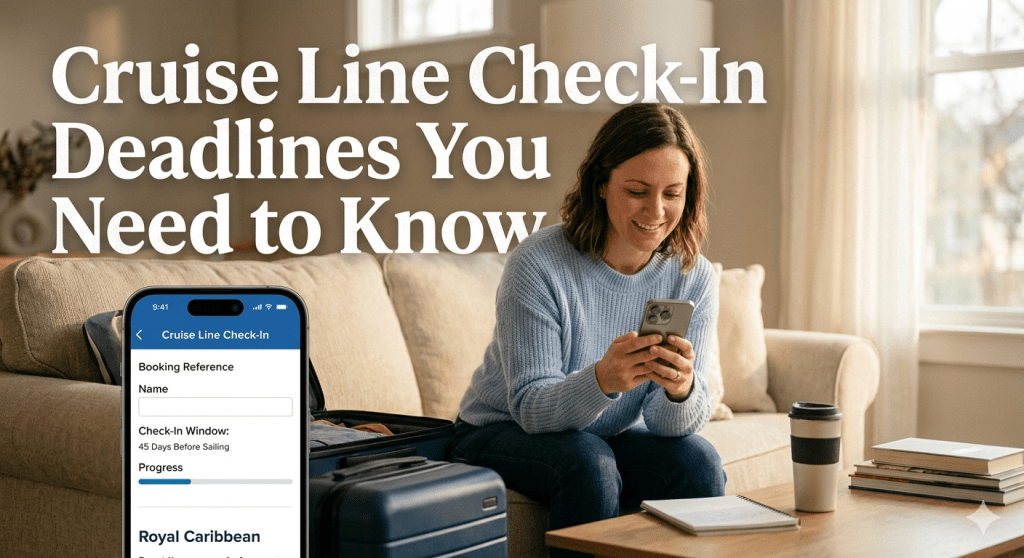
Completing your online check-in is the most important step to ensure you aren’t stuck in long lines at the pier—or worse, denied boarding. While each line has its own “opening bell,” the general rule is to jump in as soon as your window opens to snag the earliest possible port arrival time.
Here are the check-in time frames for the major lines as of 2026:
Check-In Windows by Major Cruise Line
Royal Caribbean: 45 days before sailing date to 48 hrs before on the web/day of on the app
Carnival: 14 days before sailing to midnight EST the night before
Norwegian NCL: 21 days to 3 days before sailing
Princess: From the time of booking to 24 hrs before sailing
Important Details to Keep in Mind
• Royal Caribbean: While the window opens at 45 days, you can actually download the app and link your reservation much earlier. The app technically allows check-in up until the morning of the cruise (usually around 8:00 AM), but the website closes 48 hours prior.
• Carnival Priority: If you have Diamond or Platinum VIFP status, or if you are booked in a Suite, your window opens slightly earlier—typically 16 days before you sail.
• Princess “OceanReady”: Princess is unique because you can start the process immediately after booking. The earlier you complete your “Travel Checklist” (including uploading your security photo and passport info), the sooner you get moved into the “Green Lane” for expedited boarding.
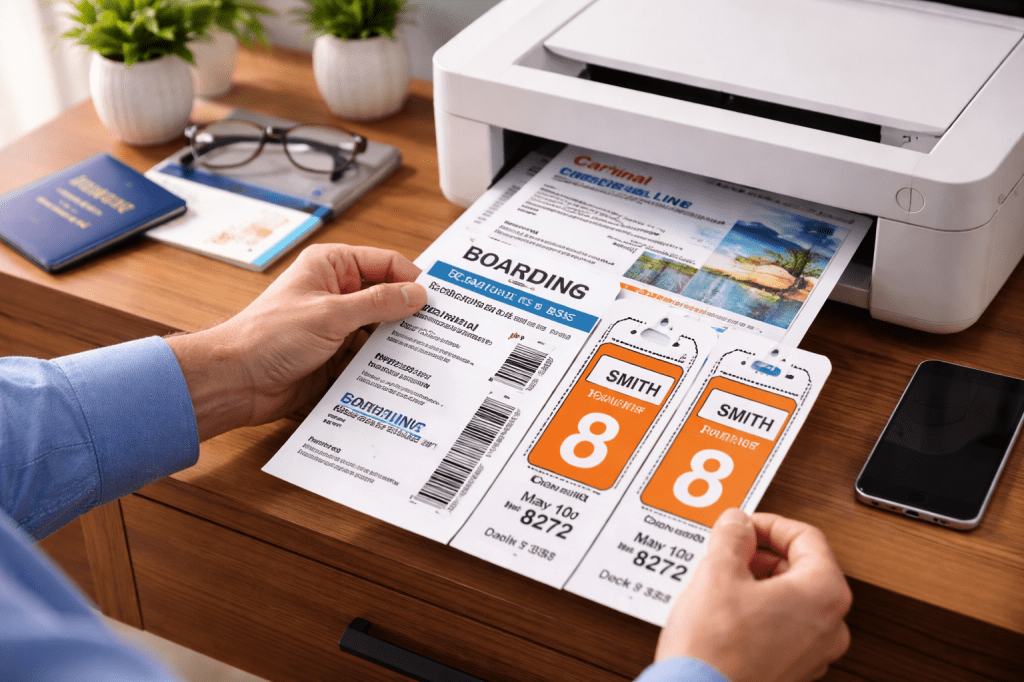
• NCL eDocs: You cannot download your electronic boarding documents until the full check-in is complete for all guests in the stateroom. Make sure to do this before the 3-day cutoff, as the documents often become unavailable for download after that point.
MY TIP: Always take your “security selfie” against a plain, well-lit background. If the photo is rejected by the system, it can hold up your entire check-in and prevent you from selecting a boarding time!


Leave a comment